
Network Fundamentals
Understand how devices communicate across LANs and WANs, and how protocols, models and network devices fit together.
WindowsFiles & FoldersShortcuts
Build practical networking skills with CCNA-focused training in network fundamentals, IP addressing, routing, switching, VLANs, wireless networking, network security and troubleshooting. Learn core concepts through guided labs and real-world scenarios with RK Technology.
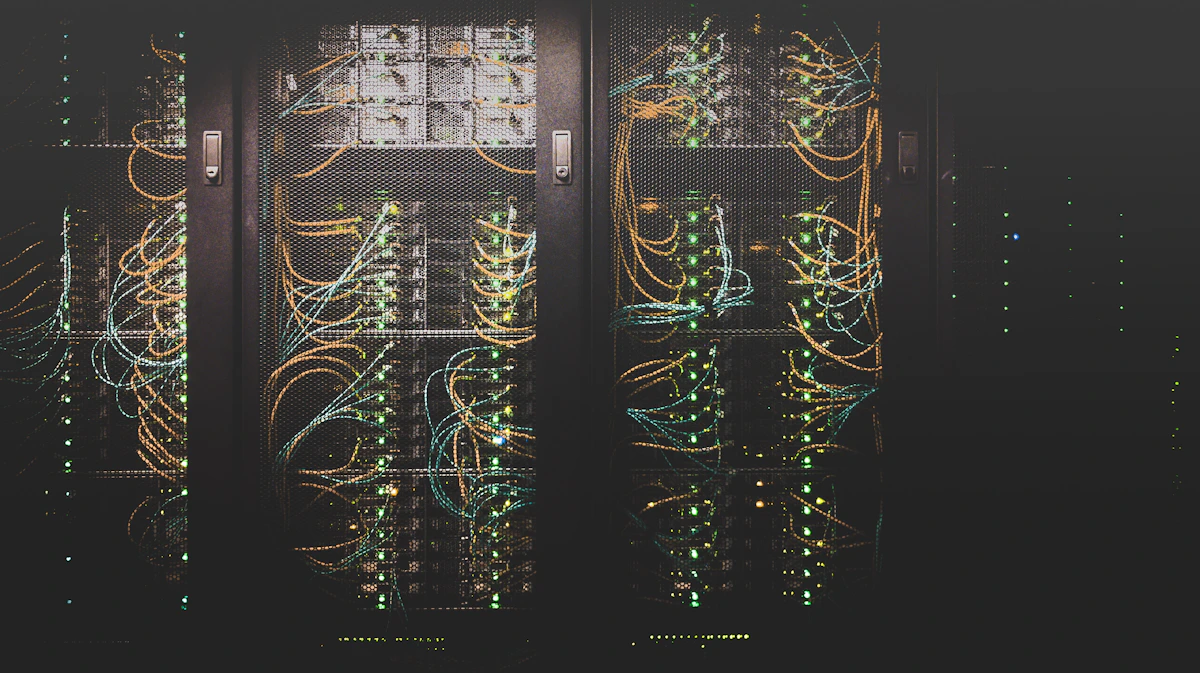

Understand how networks operate, configure routers and switches, plan IP addressing, segment networks, apply basic security practices and troubleshoot connectivity using a methodical workflow.
Course duration, batch schedule, fees and current delivery format should be confirmed directly with RK Technology.
Ask for Course Details ↗Practise IP planning, switch configuration, routing logic, network segmentation and fault isolation through guided labs.
Understand how devices communicate across LANs and WANs, and how protocols, models and network devices fit together.
Learn how switches forward frames and how routers move packets between networks using routing information.
Plan IPv4 subnets, identify network and host portions, and understand IPv6 address structure.
Explore secure access, device hardening, access control lists and common network security principles.
Use layered troubleshooting to isolate physical, switching, addressing, routing and service-related problems.
Apply concepts by building a small LAN, configuring VLANs and gateways, and documenting network test results.
Progress from network fundamentals to addressing, switching, routing, security and troubleshooting. Topics and lab depth may vary by batch.
Understand how networks are designed and how data moves between connected devices.
Plan network addressing and understand how hosts communicate across subnets.
Understand frame forwarding and segment networks into manageable broadcast domains.
Understand how routers select paths and forward packets between networks.
Understand wireless LAN components and common network services.
Apply foundational controls that help protect network devices and traffic.
Use evidence and a layered process to find and resolve connectivity faults.
Create clear network diagrams and document addressing and device roles.
Review core networking concepts and practise exam-style questions and lab scenarios.
Bring addressing, switching, routing and troubleshooting together in practical network scenarios.
Use these topics as a revision guide for networking fundamentals and CCNA-level practice. Exact exam objectives and software tools may change, so confirm the current syllabus.
A computer network connects devices so they can exchange data and share resources. Learn the roles of endpoints, switches, routers, access points and firewalls, along with common network types and topologies.
The OSI model separates communication into seven conceptual layers, while TCP/IP groups practical internet communication functions. Use the models to understand where protocols and troubleshooting steps fit.
IP addresses identify network interfaces. IPv4 subnet masks separate network and host portions; subnetting helps allocate address ranges efficiently. IPv6 provides a much larger address space and uses hexadecimal notation.
Switches forward Ethernet frames using MAC address information. VLANs logically separate devices into different broadcast domains, while trunks carry traffic for multiple VLANs between compatible devices.
Routers forward packets between IP networks. Routing tables contain destination prefixes and next-hop information; static routes are manually configured, while dynamic routing protocols exchange route information.
Wireless LANs use access points and radio channels to connect client devices. DHCP can assign IP settings automatically, DNS resolves names to addresses, and NAT translates address information where configured.
Network security starts with secure device access, updates, least privilege and carefully applied traffic controls. Access control lists can permit or deny traffic based on defined matching rules.
Troubleshoot from the physical layer upward: check power and links, interface status, IP configuration, VLAN membership, gateways, routes and services. Use ping, traceroute and show commands to gather evidence.
Keep network diagrams, IP address plans, VLAN and port assignments, device names and configuration backups current. Good documentation speeds troubleshooting and reduces configuration mistakes.
Timeline: where clips are arranged · Keyframe: a value set at a point in time · Codec: a method for encoding video · FPS: frames per second · Compositing: combining visual layers · Render: processing effects or output.
Practise addressing, switching, routing and troubleshooting with network diagrams and guided lab scenarios.

Plan a small office LAN with an IP address table, gateway, switches and endpoints; document how devices connect.

Create VLANs, assign switch ports, configure a trunk and verify inter-VLAN communication in a supported lab environment.

Investigate a simulated connectivity problem, test physical links and IP settings, inspect routes, then record the cause and resolution.
Share your details to ask about CCNA training. This form opens WhatsApp with a prepared message; it does not send anything until you review and send it in WhatsApp.
RK Technology
Dilsukhnagar, Hyderabad, Telangana, India
Phone / WhatsApp: +91 88868 38189
Here are some useful starting points before you enquire.
CCNA training typically covers networking fundamentals, IP connectivity, addressing and subnetting, switching, routing, wireless concepts, security basics and troubleshooting. Confirm the current syllabus with RK Technology.
Beginners can start with networking fundamentals and progress gradually. Basic computer literacy is helpful; ask RK Technology about the current prerequisites and lab format.
Topics may include network models, IPv4/IPv6, subnetting, VLANs, routing, wireless networking, security fundamentals and troubleshooting. Confirm the current syllabus with RK Technology.
Hands-on practice depends on the training arrangement and lab resources. Contact RK Technology to confirm the devices or simulators used and the practical exercises included in the current batch.
Duration, fees and batch schedules can change. Contact RK Technology directly for the latest confirmed details.
No course can guarantee a job or certification result. Consistent lab practice, troubleshooting skills and exam preparation can support readiness. Ask RK Technology what career guidance is available.